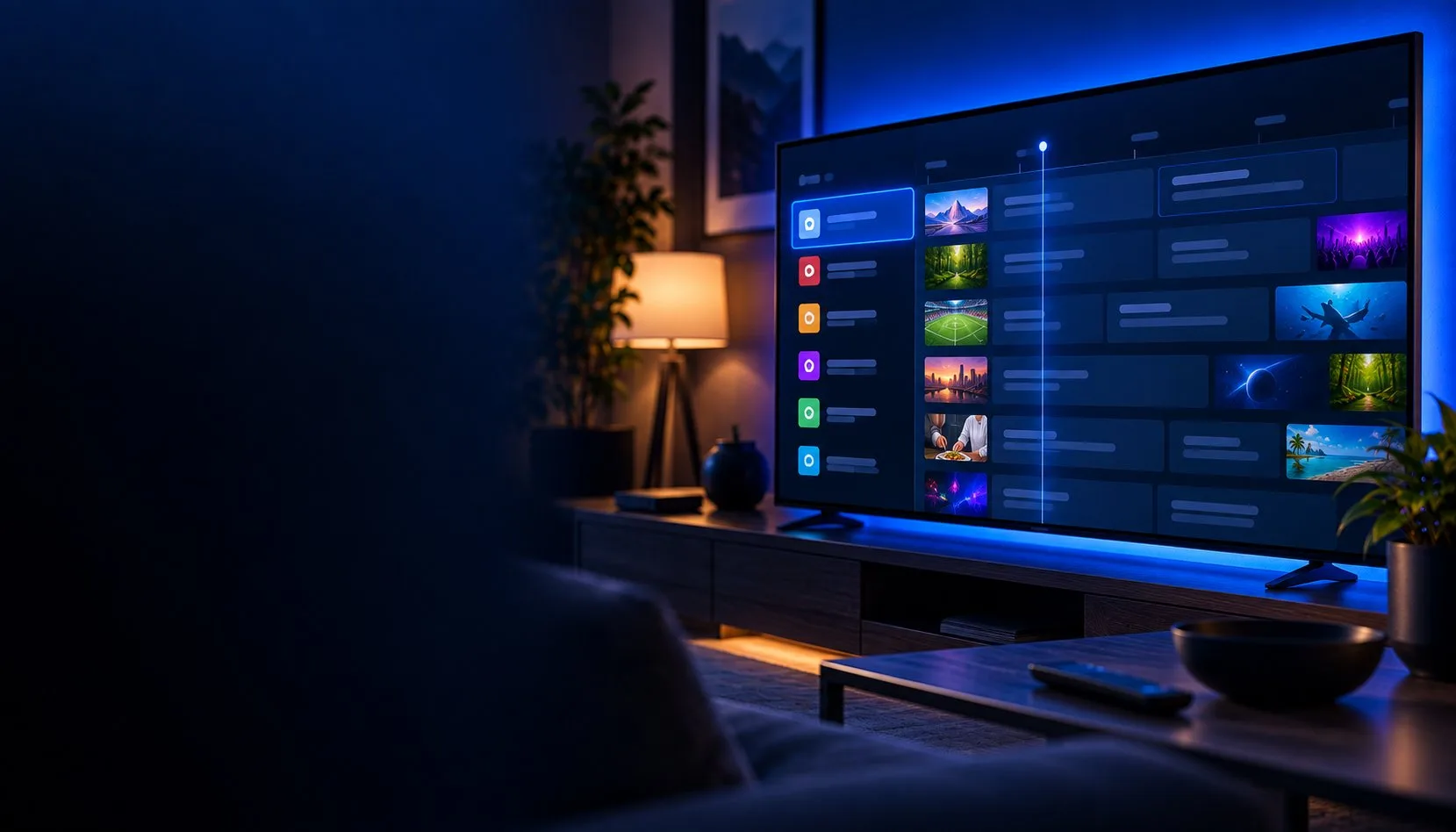
What is TiviMate? A plain-English guide (and is it free, legal and safe?)
If you keep seeing TiviMate mentioned and nobody actually explains what it is, this is for you. No jargon. Here is what TiviMate does, what it does not do, and straight answers to the questions everyone asks before installing it.
The short answer. TiviMate is an app that organises live TV channels into a clean, cable-style guide. It is a player, not a channel provider, so it comes with nothing to watch on its own. You feed it your own IPTV subscription (a playlist link) and it displays those channels neatly. It runs on Android TV, Fire Stick and Android boxes, it is free to start, and a Premium upgrade (about $9.99 a year or $33.99 for life) unlocks recording, multiple playlists and multi-view.
What TiviMate actually is
Think of an old jukebox. The machine is beautiful and easy to use, but it plays nothing until you put records in it. TiviMate is the jukebox. Your IPTV subscription is the records. The app gives you the menu, the TV guide, the search and the favourites; your provider supplies the actual channels.
People also call it an organiser, and that fits. If you already pay for an IPTV service, you get a plain link or a set of login details from them. On their own, those are useless on a big screen. Drop them into TiviMate and suddenly you have a proper grid of channels, a schedule of what is on now and next, and a remote-friendly layout that feels like the cable box you grew up with. That is the whole point of it.
It has been around for years and most people who try it stick with it. Other players exist, but TiviMate is the one that consistently gets called the best, mostly because the guide and the customisation are a step above the rest.
What TiviMate is not
This is where new users get burned, so it is worth being clear.
It is not a source of channels
Installing TiviMate gives you an empty app with an “add playlist” screen. No sports, no movies, nothing, until you add your own IPTV subscription. The screenshots you see online are examples, not included content.
It is not an IPTV subscription
Paying for TiviMate Premium unlocks app features. It does not pay for channels. Those are two separate things: the player (TiviMate) and the service that feeds it (your provider).
It does not fix buffering by itself
If your stream stutters, that is almost always your provider or your internet, not the app. A better player cannot rescue a weak connection or an overloaded server.
Is TiviMate free?
Yes and no. The app is free to download and use, and the free version genuinely works: you can add a playlist, browse the guide and watch. But it is deliberately limited. The moment you try to add a favourite, use more than one playlist, or record something, the app asks you to upgrade.
The paid tier, TiviMate Premium, costs roughly $9.99 a year or $33.99 as a one-time lifetime purchase, and covers up to five devices. You buy it through a small phone app called Companion, which we explain in the TiviMate Companion guide. Prices have crept up over the years, so check the current figure before you pay.
Is TiviMate legal?
The app itself is completely legal. TiviMate is a media player, in the same way VLC is a media player. Owning it and running it breaks no rules.
What matters is what you feed it. If your IPTV subscription is a legitimate, licensed service, you are fine. If it is a cheap grey-market service selling thousands of premium channels for a few dollars, that is where the legal risk sits, and that is on the provider and the user, not on TiviMate. The app has no idea what your playlist points at.
Is TiviMate safe? (and the scam to avoid)
Downloaded from the official source, yes. The real TiviMate comes from developer Armobsoft, either on Google Play or from tivimate.com (Fire Stick users sideload it with Downloader code 272483 — see the downloader code guide).
The scam to watch for: some sites advertise a “TiviMate IPTV” that sells you channels. TiviMate does not sell channels and never has. Any website using the TiviMate name to take payment for live TV is riding on the brand, and you should not hand it your card details. The real app only ever charges for the Premium feature unlock, through the Companion app.
What devices does TiviMate work on?
It is an Android app, so the device question comes down to one thing: is it Android underneath?
Works well
Fire TV Stick and Fire TV (sideloaded), Android TV boxes like the Nvidia Shield or Onn 4K, and Android-based smart TVs (Sony, Philips, TCL). This is where the app shines.
Works, but not ideal
Android phones and tablets can run it, but the layout is built for a TV and a remote, so it feels cramped on a small touchscreen.
Not sure how to get it onto your box? The setup guides walk through each device step by step.
Free vs Premium, at a glance
The free version is fine for testing whether you like the app and whether your provider works with it. Beyond that, almost everyone upgrades, because the limits hit fast: one playlist only, no recording, no favourites, no multi-view. If you watch regularly, the lifetime unlock pays for itself against a single month of most streaming services. The full breakdown of features and prices is on the TiviMate Premium page.
| Feature | Free | Premium |
|---|---|---|
| Playlists | One only | Multiple |
| Recording & catch-up | No | Yes |
| Favourites | No | Yes |
| Multi-view | No | Yes |
| Devices per licence | 1 | Up to 5 |
| Price | Free | ~$9.99/year or $33.99 lifetime |
How to get started
Have an IPTV subscription ready
You need a provider that gives you an M3U link or Xtream Codes login. Without that, the app has nothing to show.
Install TiviMate on your device
On a Fire Stick, sideload it with Downloader code 272483. On an Android TV box or Android smart TV, grab it from the Play Store. The Fire Stick guide covers the fiddly part.
Add your playlist and (optionally) go Premium
Paste your provider’s details, let the channels load, and you are watching. When the free limits get annoying, unlock TiviMate Premium through the Companion app.
What is TiviMate FAQ
Do I need an IPTV subscription to use TiviMate?
Yes. TiviMate is only a player. It provides no channels, movies or streams of its own. You add a subscription from an IPTV provider (an M3U link or Xtream Codes login) and TiviMate displays it.
Is TiviMate free?
The app is free to download and the free version works, but it limits you to one playlist and blocks recording, favourites and multi-view. Premium removes those limits for about $9.99 a year or $33.99 for life.
Is TiviMate legal?
The app is legal, like any media player. Whether your viewing is legal depends entirely on the IPTV service you connect to it, which is your responsibility, not the app’s.
Is TiviMate down?
TiviMate is a player on your device, so it rarely goes “down” as a service. If your channels stop, the problem is almost always your IPTV provider’s server or your internet. If everything else on your network works, contact your provider.
Is TiviMate safe to install?
Yes, from the official source (Google Play or tivimate.com, or Downloader code 272483 on Fire Stick). Avoid any site selling a “TiviMate” channel subscription, which is a scam that misuses the name.
Does TiviMate work on iPhone, Apple TV or Roku?
No. It is Android-only, and Roku blocks Android apps. Apple and Roku users need a different player, covered in our device guides.
Does TiviMate include movies and shows?
Only if your IPTV provider offers video on demand. TiviMate itself adds no content; it displays whatever your subscription includes, whether that is live channels, catch-up or on-demand.
Related guides

TiviMate Premium
TiviMate Premium (aka TiviMate Pro): what it unlocks, real 2026 prices ($9.99/yr or $33.99 lifetime) and how to buy the subscription, plus…
Companion app
The TiviMate Companion app is an Android phone app for buying and managing TiviMate Premium, not a player. How to use it, activate Premium,…

Setup guides
Step-by-step TiviMate setup guides for Fire Stick, Android TV, PC, Mac and more, real screenshots and downloader code 272483.