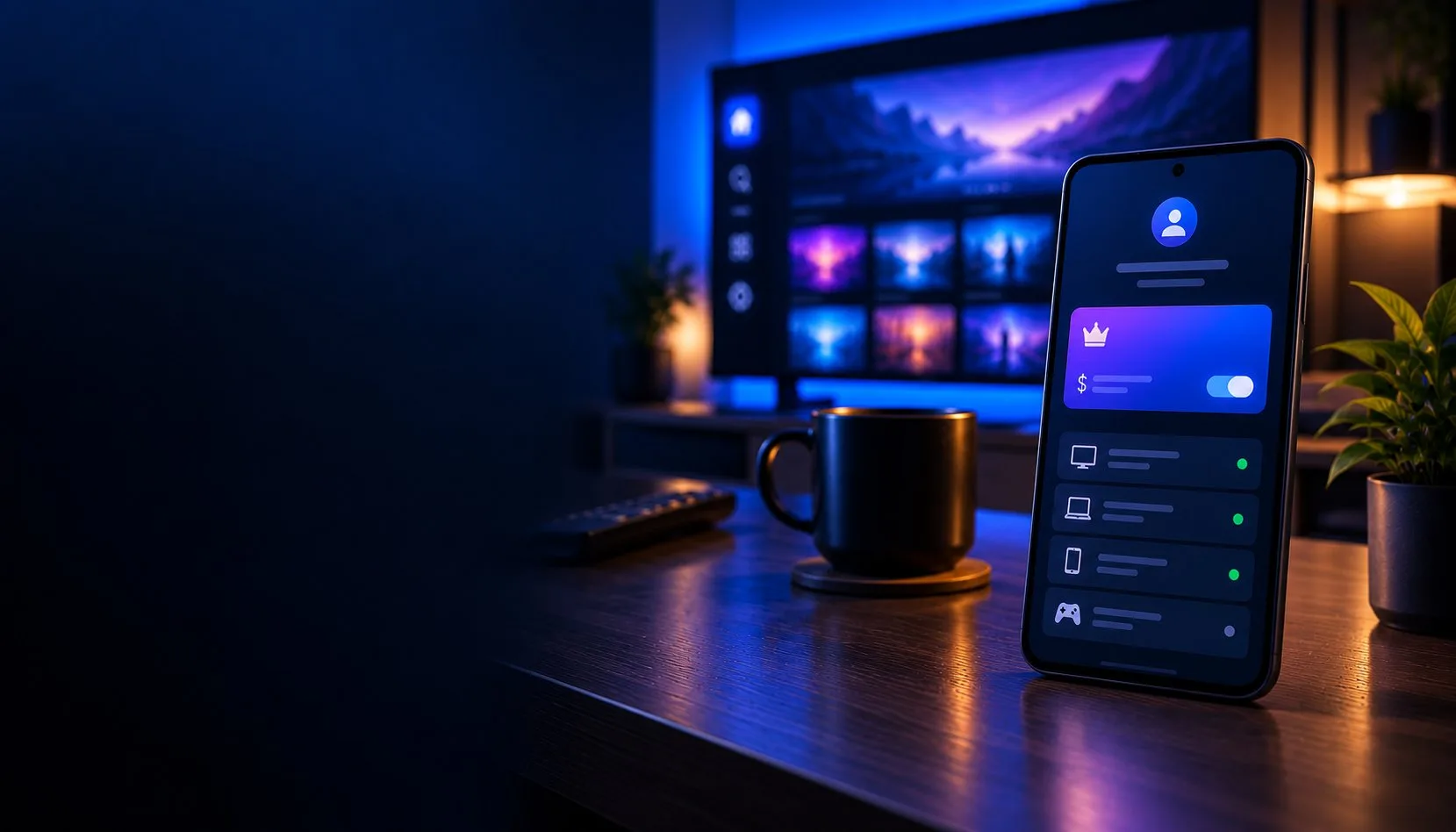
What is the TiviMate Companion app, and how do you buy Premium with it?
Short version: the TiviMate Companion app is a small Android phone app. You use it to buy TiviMate Premium and to see which devices your licence is on. It does not play TV, and it comes with no channels. That one sentence clears up most of the mess people run into.
The 20-second version. TiviMate Companion is a free phone app from Armobsoft (the same developer behind TiviMate). You install it on an Android phone, create an account, and pay for Premium there. Then you open TiviMate on your TV, sign in with that same account, and Premium switches on. Companion is where you buy and manage; the TiviMate player on your TV is where you watch. Premium runs about $9.99 a year or $33.99 for life, covers up to 5 devices, and has a free trial.
Companion vs the TiviMate player: two apps that do different jobs
This is the part that trips up almost everyone, so it is worth being blunt about it. There are two separate apps, and they are not interchangeable.
TiviMate Companion (your phone)
An Android phone app. Its whole job is buying Premium, holding your account, and showing you which devices are activated. You never watch anything in it. There is no player inside.
TiviMate player (your TV device)
The app you install on a Fire Stick, Android TV box, or similar. This is where you add your playlist and actually watch. It reads your Premium status from the account you set up in Companion.
| TiviMate Companion | TiviMate player | |
|---|---|---|
| Runs on | An Android phone | Fire Stick, Android TV box, or similar |
| What it is for | Buying Premium, holding your account, managing activated devices | Adding your playlist and actually watching |
| Has a video player? | No, there is no player inside | Yes, this is where you watch |
| How they connect | Stores your account and Premium status | Reads Premium status from your Companion account |
| Gives you channels? | No | No, you still need your own IPTV subscription |
They talk to each other through your account, not over the same screen. So you do not install Companion on your Fire Stick, and you do not expect channels to appear in Companion. If you have seen the app sitting at 3.6 stars on Google Play and wondered why, this is most of the answer: a lot of the angry reviews come from people who installed it expecting live TV and got a login screen instead. The app is doing exactly what it is meant to do. It just is not what those reviewers thought they were downloading.
Worth repeating, because it causes real frustration: neither app gives you channels. TiviMate is a player. Premium unlocks features like recording and multi-view. You still need your own IPTV subscription (an Xtream Codes login or an M3U link) to have anything to watch.
How to buy TiviMate Premium with Companion
You cannot buy Premium inside the TiviMate player itself, and the purchase option on the official website is often missing depending on your country. Companion is the route that reliably works. Here is the whole thing.
Install Companion on an Android phone
Open the Google Play Store on an Android phone or tablet, search TiviMate Companion, and install the official app by Armobsoft FZE. It is free. Get it from Google Play, not from a random APK mirror (more on why below).
Create your account
Open Companion and sign up with an email and password. Write down which email you used. You will need the exact same one on your TV later, and mixing up two emails is the single most common reason Premium “won’t activate.”
Pick a plan and pay
Choose the yearly or the lifetime plan. There is a free trial if you want to test Premium first. Payment goes through Google Play, so card and PayPal both work, and you get an instant receipt. Premium is tied to the account, so it does not matter that you paid on a phone you will never watch on.
Activate it on your TV
Open TiviMate on your Fire Stick or Android TV box, go to Settings, and choose Unlock Premium. Sign in with the same account you used in Companion. Premium turns on within a few seconds. If it does not, jump to the email-mismatch fix below before you do anything drastic.
That is the full loop. Buy on the phone, sign in on the TV, done. You only touch Companion again when you want to add, remove, or check a device.
Managing your 5 devices
One Premium licence covers five devices at once, and Companion is where you keep track of them. Open it and you will see a list: living-room Fire Stick, bedroom box, a tablet, and so on, shown as slots used out of five.
When you replace a device, remove the old one here to free the slot. Families share this way too, since the five slots can sit on different accounts’ hardware as long as everyone signs in with the same TiviMate login. Hand out that email and password carefully, though, because each active device eats one of your five.
No Android phone? Here is your way in
This is the gap most guides skip, and it is exactly where iPhone-only households get stuck. Companion is Android-only, so if every phone in your house is an iPhone, you cannot just download it.
The thing to understand is that Premium lives on your account, not on the phone. The phone is only the till you pay at. So you have a few honest options:
Borrow an Android phone once
Any Android phone will do, even a friend’s. Install Companion, buy Premium under your own email, then hand the phone back. Your licence stays with your account. You never need that phone again.
Use an Android TV box or emulator
Companion can run on Android TV hardware and on an emulator like BlueStacks on a PC. It is fiddlier than a phone, but it gets the purchase done when there is no phone around.
Skip the website
People keep trying to buy on the official site and hitting a wall, because the payment option is hidden or unavailable in many regions. Do not waste an afternoon on it. Companion is the dependable path.
If you are fully in the Apple world and want a player too, that is a separate problem: TiviMate has no iPhone, iPad, or Apple TV version at all. The Apple TV guide covers what actually works there.
The things other guides gloss over
“It says pay again, but I already paid”
Nine times out of ten you signed in with a different email than the one you bought Premium under. Log out on the TV, then log back in with the exact account from Companion. Same email, same password, no typos.
You cannot manage other people’s Premium anymore
One Companion account holds one subscription. If you are an IPTV reseller who used to set up Premium on customers’ behalf, that workflow is gone. Each person needs their own Companion account and their own purchase now.
Only download it from Google Play
Search results are full of APK mirror sites offering “TiviMate Companion free download.” One popular mirror sits at 2.6 stars and even warns your antivirus may flag the file. There is no reason to risk it for a free app that is right there on the Play Store.
What it collects
Per Google Play’s data-safety section, Companion may collect personal info and app activity, encrypts it in transit, does not share it with third parties, and lets you request deletion. Reasonable for an app that manages a paid account.
TiviMate Companion FAQ
Is the Companion app a player? Can I watch TV in it?
No. It has no player and no channels. It exists to buy Premium and manage your activated devices. You watch in the TiviMate player on your TV device, using your own IPTV playlist.
Is TiviMate Companion safe and legal?
Yes. It is the official app from Armobsoft, the TiviMate developer, and it is a legitimate way to pay for a feature unlock. Like the player, it is legal software. What you stream through TiviMate is down to whether your IPTV provider is legitimate.
Is there a free trial?
Yes, there is a trial so you can test Premium before paying. Start it in Companion when you pick a plan. If you cancel before it ends through Google Play, you are not charged.
How do I cancel or get a refund?
Yearly plans are managed in your Google Play subscriptions and stay active until the period ends. Google Play also has a short refund window after a purchase, often up to 48 hours. A lifetime purchase is a one-time buy, so there is nothing to cancel.
I only have an iPhone. Can I still get Premium?
Not directly, because Companion is Android-only. Buy Premium on any Android phone once (even a borrowed one) under your own email, and it stays on your account. TiviMate itself still has no iOS version, so you would use a different player on Apple hardware.
Can I run Companion on Windows or Mac?
There is no native desktop version, but it runs on an Android emulator such as BlueStacks. It works, though a real Android phone is far simpler if you can find one.
Where do I download it?
The Google Play Store, on an Android phone or tablet. Search “TiviMate Companion” by Armobsoft FZE. Avoid third-party APK sites.
Why is the app only rated 3.6 stars?
Mostly confusion. A large share of the low reviews come from people who expected channels or a player and got an account manager instead. Used for what it is meant to do, buying and managing Premium, it does the job.
Related guides
Downloader code 272483
TiviMate downloader code is 272483. Enter it in the Downloader app to install TiviMate on Fire Stick or Android TV, what it does, how to…

Fire Stick setup
Download and install TiviMate on any Fire Stick in about 13 minutes using Downloader code 272483, step-by-step with screenshots, playlist…

TiviMate Premium
TiviMate Premium (aka TiviMate Pro): what it unlocks, real 2026 prices ($9.99/yr or $33.99 lifetime) and how to buy the subscription, plus…